Deleting your account removes it and its data at once, with no undo. A few records stay for a set time: they're listed below. To remove only a run, a weight entry or a conversation, delete that one and keep the account.
Get a copy of your data first
Hyppo Run has no export button. Write to admin@hypporun.com and ask for a copy: it arrives within a month. Wait for it before you delete the account, because the deletion takes the data with it.
Delete your account
Click your avatar in the top right corner and choose Settings.
If Settings opens on a list of tabs, click Account.
Under Danger zone, click Delete account.
Type your email address into the field that opens. Confirm deletion turns on once it matches the address of your account.
Click Confirm deletion.
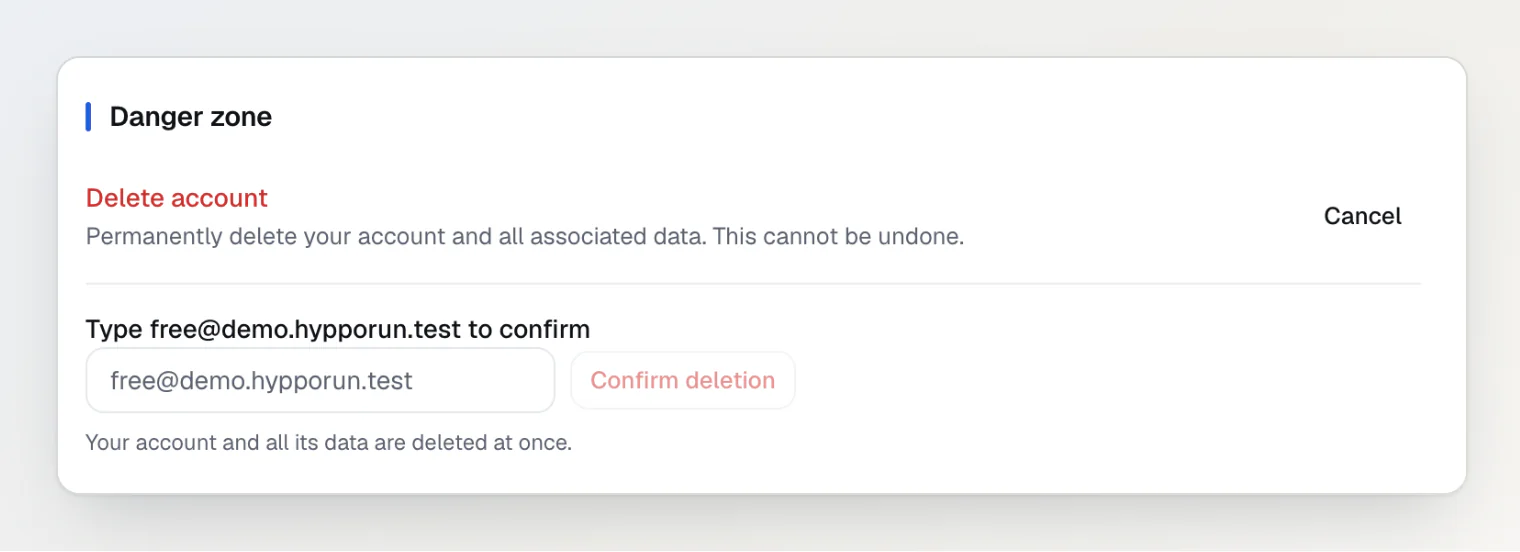
Hyppo Run signs you out and opens the Account deleted page. To stop before step 5, click Cancel next to Delete account.
What goes at once, and what stays
At once, Hyppo Run deletes:
your account and your sign-in
your profile, plans and sessions
your runs and your other training
your check-ins, weights and health answers
your meals, saved meals, shoes and calendar notes
your conversations with Hyppo
every file you uploaded, the original files of your runs and the files in your chats included
A few records stay after the account is gone:
Security logs of the changes made in your account, with the IP address and the browser or app. Each entry goes 90 days after it was written. They leave out the health values you entered.
A report you sent about a wrong meal estimate keeps its copy of the foods.
OpenAI keeps what the chat and the meal estimates sent it for up to 30 days in its abuse-monitoring logs, or longer where the law requires it.
The privacy policy lists every retention period.
Delete part of your data instead
A run
The run's analysis goes with it, and the session it counted for goes back to planned. Its original file stays in storage for about 30 more days, then goes. There's no undo.
Open Calendar.
Click All activities.
Open the run.
If the window is narrow, open the ⋯ menu and choose Delete run. Otherwise click Delete.
In Delete this run?, click Delete run.
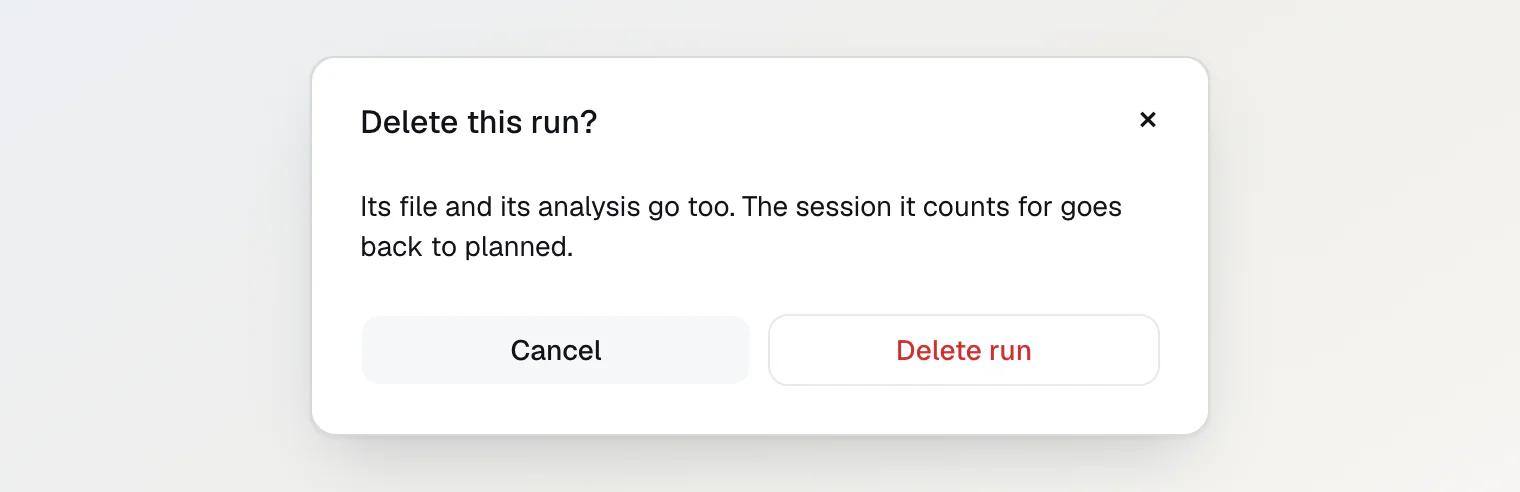
Hyppo Run shows Run deleted and takes you back to All activities. Other training goes the same way, with Delete activity.
A weight entry
Open Nutrition. If the window is narrow, it's under More.
If the Weight card shows Show my weight, click it.
Click Log weight.
Under Last 90 days, click × next to the entry.
The entry goes without a question, and the message at the bottom of the screen has Undo to bring it back. The list holds the last 90 days. Turning off health data deletes every weight entry at once: see Turn health data and the AI on or off.
A conversation
A deleted conversation can't be brought back.
Click Ask Hyppo at the top of the page. In a narrow window the button shows only Hyppo's picture.
Click Chats.
Click the bin next to the conversation.
In Delete this chat?, click Delete.
The conversation leaves the list. Its files stay in storage for about 30 more days, then go. To delete every conversation, click Delete all conversations under the list, then Delete all.
Continue reading
Turn health data and the AI on or off — delete your health data or stop the AI without closing the account.
Ask Hyppo in the chat — how the chat answers questions about your plan and your runs.
Add a run from a file or by hand — upload a file or log a run by hand.